Android
Screen sharing with touchStart screen sharing in VeryTesla and use the phone’s pairing code in the Tesla browser. Follow the Android prompts to share your screen and app audio and allow browser touch.
 VeryTeslaSign in
Every car you share shows on one map with its live state. Invite someone by email, make them a Viewer or a Driver, and set an end date if access should stop. Click a car on the map, then switch its role.
Sample data. Click any car.
Sees status, location and activity.
Can also lock, unlock, run climate and charging, and open the trunk and windows. No horn, lights or Sentry.
Turo hosts save 20% and fleets up to 50% per car. Your driving insights are never shared with drivers.
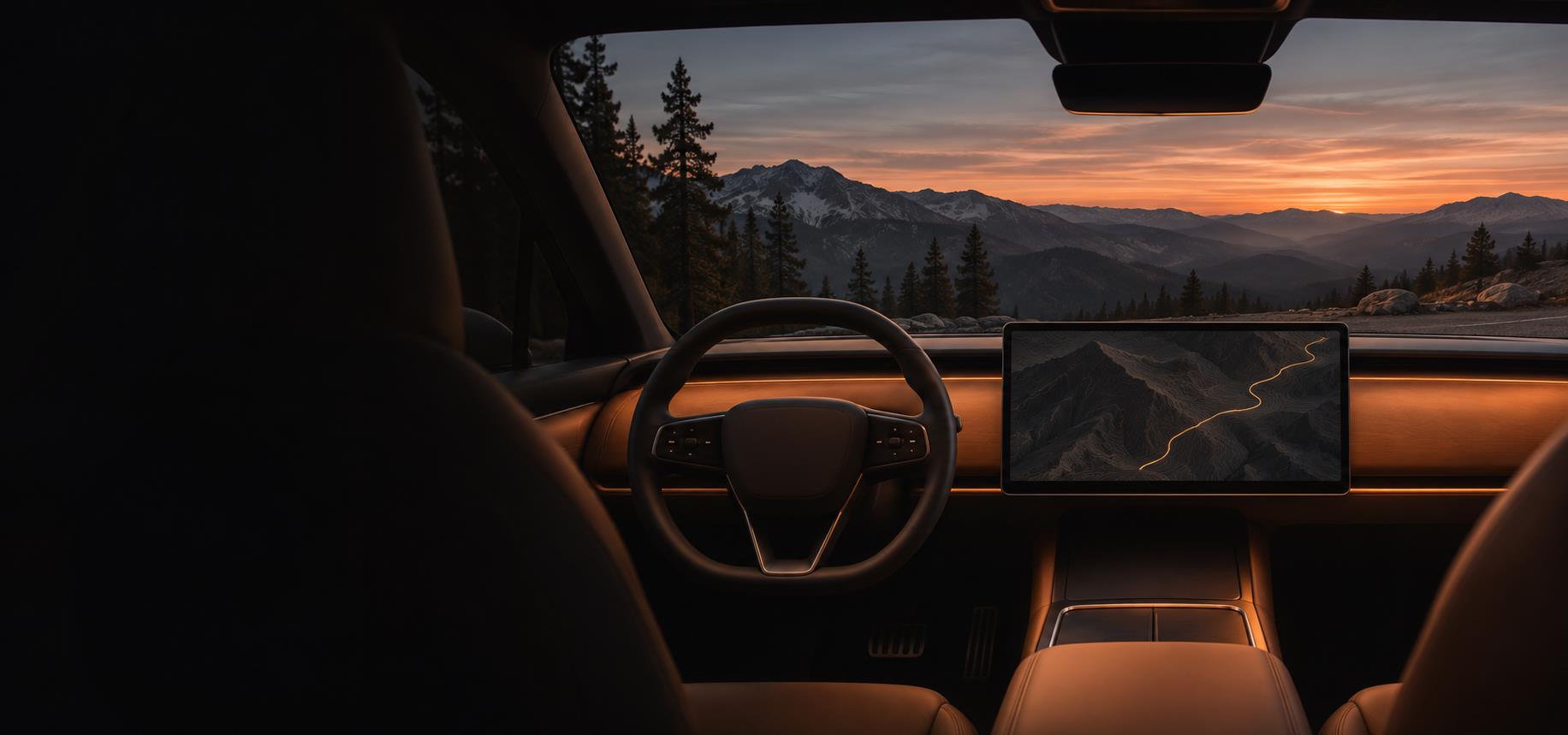
Open app.verytesla.com in the Tesla browser, then show most apps on your phone and stream them to your Tesla screen. You pair once with a short code, and there is nothing to plug in. Pick an app below to see it on the car’s screen.
Your phone’s screen shows on the Tesla display, with app audio through the car’s speakers.
The Car tab shows charge, range, locks and climate as they change. Climate has Heat, Cool and Defrost presets. Doors, windows and the trunk only respond to a press and hold, so a pocket tap can’t open anything.
Try the Controls phone: pick a climate mode, then press and hold a button.
Interactive demo. Press and hold a control.
Every week and month the Scorecard gives one grade for driving, efficiency, battery care, charging and parked drain. Switch between Week and Month on the phone.
Sample data shown.
While the car charges, a live notification shows the charge level, power and time left, without opening the app. Move the charge limit on the phone to see the estimate change.
VeryTeslanowInteractive demo. Reorder, copy or pause.
Run an action at set times, when the car arrives at or leaves a place, or when the battery passes a level. You can pause every rule at once, reorder them and copy one to start a new rule.
Ask in plain words and get answers from your own car’s data. Tap a question to try it.
Pick a question to see how Ask VeryTesla answers from a car’s own data.
Sample answers. The assistant reads drives, charging costs, parked drain, battery health and maintenance for the owner’s own cars.
Charge, range and lock state on your wrist.
Share your link. You both get a free month when they make their first payment.
Viewer and Driver access for anyone you invite.
Check the current capabilities of each part of the connection.
Start screen sharing in VeryTesla and use the phone’s pairing code in the Tesla browser. Follow the Android prompts to share your screen and app audio and allow browser touch.
The iOS design uses the system broadcast picker for display-only sharing. It offers no native CarPlay or remote touch. Vehicle playback still needs testing.
The browser must be able to reach the phone and decode its stream. Vehicle firmware, Wi-Fi routing, security settings and codecs affect playback.